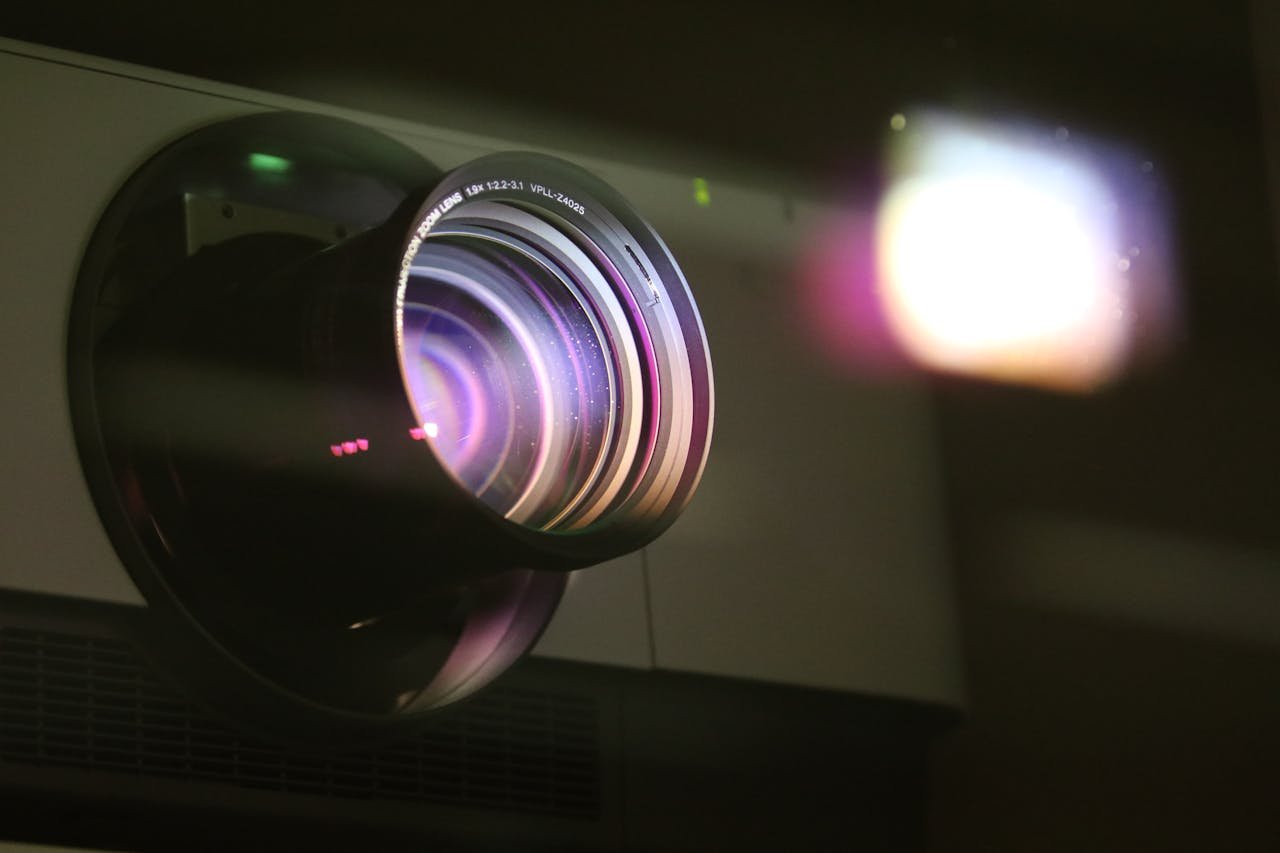
Everyone assumes projection mapping means video. Heavy files, complex pipelines, professional codecs. But there's a lighter, faster, and honestly more interesting alternative sitting right under our noses: the humble GIF.
After years building browser-based projection mapping tools, I switched to GIFs as the primary format. Here's what I learned.

File Size Is Not a Detail
A typical 10-second looping video clip weighs anywhere from 50MB to 200MB depending on resolution and codec. The same animation exported as GIF? Between 100KB and 500KB.
That's not a small difference. In live performance environments — where you're loading assets on the fly, often on a single laptop — that gap is the difference between smooth and laggy. GIFs keep your setup lean, fast, and predictable.
Looping Is Built In
Video loops are always a workaround. You set loop points, adjust timecodes, configure playback settings, and still sometimes get that tiny black frame at the junction.
GIFs were designed to loop. It's baked into the format at the most fundamental level. Drop a GIF on a mapped surface and it loops forever, perfectly, without a single setting to configure. In a live show, that kind of reliability is priceless.
The Aesthetic Is a Strength
Yes, GIFs have a 256-color palette. Yes, there's dithering. Yes, the edges can look pixelated. And that's exactly why they work so well on stage.
The retro, lo-fi quality of a GIF projected at scale has a visual weight that clean HD video often lacks. It feels crafted, intentional, handmade. In clubs, warehouses, festivals, and art installations, that aesthetic resonates. It doesn't look like a screen — it looks like something.
Native Browser Performance
Most projection mapping software treats GIFs as a second-class citizen: import, convert to video, then use. That conversion step adds complexity, file overhead, and potential sync issues.
In a browser-first environment, GIFs are native. They render directly in a WebGL canvas with no transcoding pipeline, no server processing, no format gymnastics. The result is lower CPU usage, minimal latency, and a workflow that works entirely offline when needed.
The VJ Community Figured This Out Years Ago
Search r/vjing archives and you'll find threads from 2012 asking for native GIF support in VJ software. Modul8, Resolume, VDMX — the big names all handled GIFs poorly for years, forcing users to convert first or use janky workarounds.
The demand was always there. The tools just didn't listen.

When to Use GIFs (and When Not To)
GIFs shine for:
- Seamlessly looping backgrounds and textures
- Abstract geometric patterns and motion graphics
- Retro, lo-fi, glitch, or pixel art aesthetics
- Live VJing where quick loading matters
- Browser-based workflows without a transcoding server
Video still makes sense for:
- Cinematic sequences with fine color gradation
- High-resolution photorealistic content
- Long-form narrative content
The web was built around GIFs. Projection mapping doesn't have to fight the platform.
→ Try browser-based projection mapping with native GIF support at 4mapper.com