Choosing the Right Projector for Projection Mapping: A Complete Guide
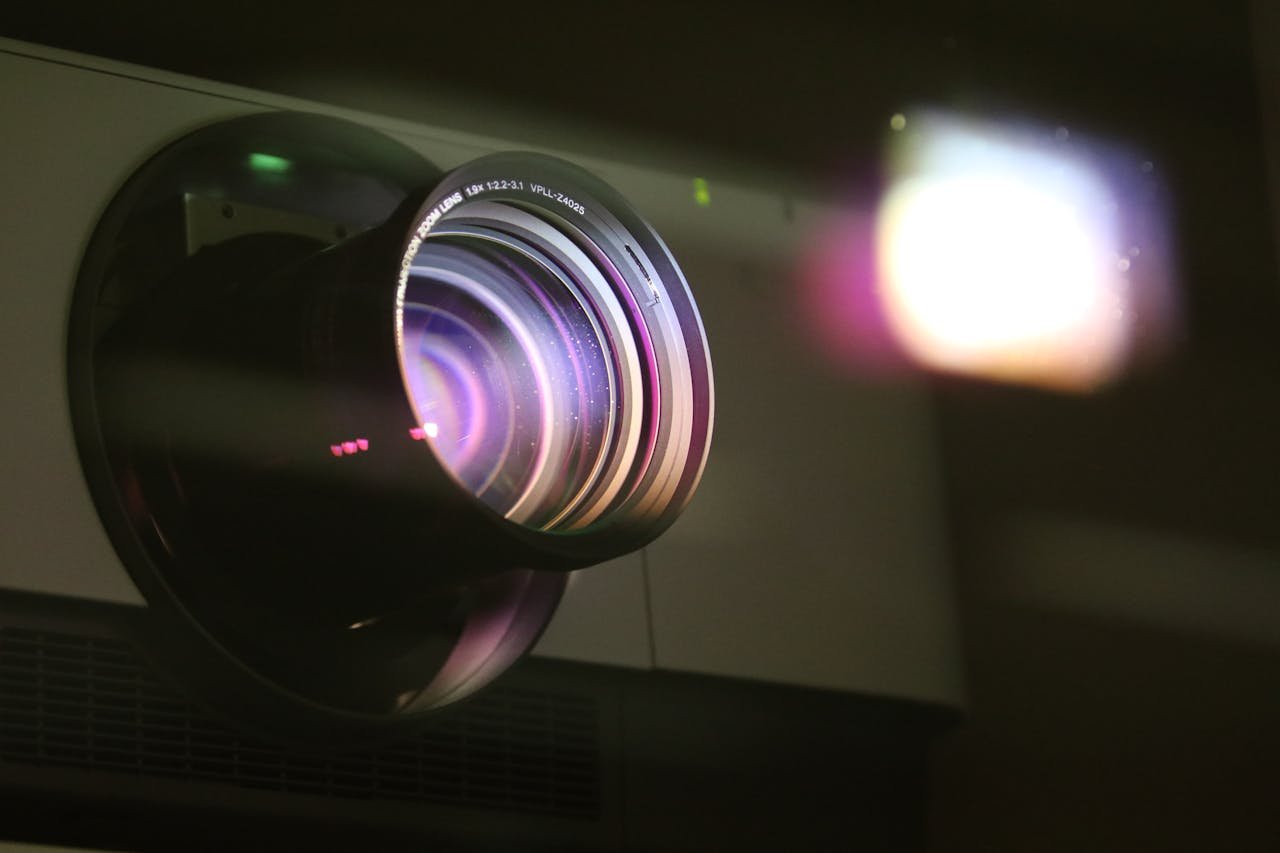
Your projector is the most important piece of hardware in any projection mapping setup. Get it wrong and no amount of great software will fix a washed-out, blurry, or geometrically distorted image. Get it right and even a modest setup can produce stunning results.
This guide walks you through every key spec you need to understand before buying — brightness, throw ratio, resolution, light source type, and connectivity — so you can match the right projector to your specific project.
The Five Key Specs to Evaluate
1. Brightness (Lumens)
Brightness is measured in ANSI lumens and is the single most important spec for projection mapping. The brighter your environment, the more lumens you need to maintain a visible, punchy image.
-
>Dark indoor room (bedroom, studio, small venue): 2,000–3,000 lumens
>Semi-lit room or small event space: 3,000–5,000 lumens
>Large indoor venue or semi-outdoor: 5,000–10,000 lumens
>Outdoor monumental projection: 10,000+ lumens
Always buy more lumens than you think you need. Ambient light, painted surfaces, and distance all eat into perceived brightness fast.
2. Throw Ratio
The throw ratio defines how far the projector needs to be from the surface to produce a given image size. The formula is simple:
Throw distance = Throw ratio × Image width
A projector with a throw ratio of 1.5 placed 3 meters from a wall will produce an image 2 meters wide. Short-throw projectors (ratio below 0.5) are ideal for tight spaces; standard-throw (1.0–2.0) covers most installations; long-throw is used for large venues where the projector must be far from the surface.
-
>Short-throw (<0.5): Small rooms, close-up art installations
>Standard-throw (1.0–2.0): Most events and installations
>Long-throw (>2.0): Theatres, architectural facades, outdoor events
3. Resolution
Higher resolution means sharper, more detailed images — especially important when projecting onto surfaces viewed up close or when using fine geometric content.
-
>HD (1920×1080): The standard for most projection mapping projects — a solid choice for the majority of installations
>4K (3840×2160): Worth it for large surfaces, detailed textures, or close-up viewing
>Lower (XGA, WXGA): Acceptable for atmospheric or distant projections where pixel density isn't critical
Match your projector resolution to your content output resolution. Outputting 1080p content to a 4K projector wastes money. Outputting 4K content to a 1080p projector loses detail.
4. Light Source Type
There are three main light source technologies, each with different trade-offs for projection mapping use:
-
>Lamp (UHP/Halide): Affordable upfront, but lamps degrade over time (typically 3,000–5,000 hours) and need replacement. Fine for occasional use or a tight budget.
>LED: Long lifespan, low heat, compact size. Brightness is still limited compared to laser — best for smaller installations or portable setups.
>Laser: The professional standard. 20,000+ hours lifespan, consistent brightness, instant on/off, no lamp replacement. Higher upfront cost, but the best investment for permanent or frequent installations.
5. Connectivity
For projection mapping, always prioritize digital connections over analogue:
-
>HDMI / DisplayPort: Best for most setups — clean signal, no quality loss
>DVI: Also excellent for stable, high-resolution output
>VGA: Avoid if possible — analogue signal degrades quality, especially at high resolutions
>HDBaseT: Essential for cable runs longer than 10–15 meters — maintains signal quality over long distances
Additional Features to Consider
-
>Lens shift: Lets you reposition the image without moving the projector or distorting the geometry. Far better than digital keystone correction, which degrades image sharpness.
>Edge blending: Built-in blending for multi-projector setups. Some projectors handle this in hardware; others rely entirely on software like 4mapper.
>Interchangeable lenses: High-end projectors (Barco, Christie, Panasonic) support swappable lenses for maximum flexibility across different setups.
>24/7 operation rating: For permanent installations, check that the projector is rated for continuous operation — consumer models are not.
Budget Guidelines
| Budget | What to expect | Best for |
|---|---|---|
| Under $500 | Consumer lamp projectors, 2,000–3,000 lm, 1080p | Home use, learning, small art projects |
| $500–$2,000 | Prosumer models, 3,000–5,000 lm, some laser options | Small events, studio installations |
| $2,000–$8,000 | Professional laser projectors, 5,000–10,000 lm | Regular events, semi-permanent installs |
| $8,000+ | High-brightness laser, interchangeable lenses, 24/7 rated | Permanent installations, large venues, outdoor |
Quick Decision Guide
-
>Small dark room, tight budget? → A 1080p lamp projector at 3,000 lm for under $600 will work well.
>Regular event work, semi-lit venues? → Look for a 5,000 lm laser projector in the $2,000–$4,000 range.
>Permanent installation? → Invest in a laser projector with a 24/7 rating and lens shift. Don't cut corners here.
>Outdoor building projection? → You need at least 10,000 lm. Rent before you buy to test lumen output on-site.
Once you have the right projector, the software does the rest. 4mapper runs entirely in the browser — no installation required — and works with any projector connected to your computer via HDMI or DisplayPort. Set up your surfaces, warp your content, and start mapping in minutes.